

Quantum computing for curious KS3 teachers

Quantum computing for curious KS3 teachers: bits, bytes and qubits
If quantum computing feels like science-fiction and too complicated to teach to KS3, you’re going to be surprised.
I’m going to give you a complete KS3-ready lesson all about quantum computing in this post. PowerPoint presentation, lesson plan, worksheet and a simple explanation of that pupils (and you) will actually understand. No need to sign up for anything, it’s just all here for you.
You don’t need a physics degree. You just need a clear, computing classroom-friendly way to explain:
what a qubit is
how quantum computing can be used and
what it is not
By the end of this post, you’ll have a simple explanation you can lift straight into a lesson, plus all the teaching resources you can use today.
The simplest way to explain quantum computing
1) Start with what pupils already know: bits and bytes
A traditional computer stores information using bits.
A bit is the smallest unit of data in a normal computer. It is always 0 or 1. Like a tiny switch that is either off or on.
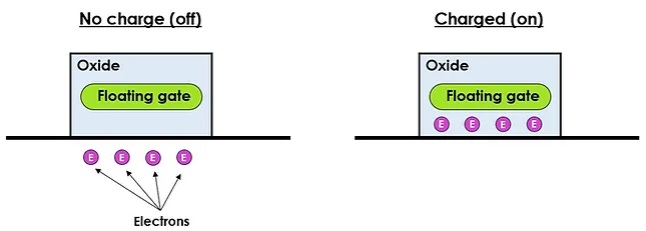
A byte is 8 bits grouped together. That gives 256 possible patterns.

That is why file sizes like KB, MB and GB are really just measurements of how many bytes of data are being stored.
In a standard computer, data is stored as patterns that the computer can save, copy and process. Those patterns can represent all kinds of information including text, images, sound and the instructions that tell the computer what to do.
2) Introduce qubits using probability
A quantum computer stores information using qubits (pronounced KYOO-bits. KYOO sounds exactly like the letter "Q").
A qubit is a unit of information used in quantum computing. The key difference is a bit is fixed as 0 or 1 and a qubit is based on probability for 0 and 1 until it is measured.
A simple classroom analogy is a special dice that only ever lands on 0 or 1.
Before you roll it, you do not have a fixed answer, instead you have chances.
In this first video, the dice has three 0s and three 1s. That means if you roll it lots of times, you will get a 0 about half the time and a 1 about half the time. Before you roll it, it does not have a fixed value. The best way to describe it is a 50:50 probability of being 0 or 1.
The moment you roll it, you get a definite result. It will be either 0 or 1, never both. If you roll it again, you might get the same result or you might get the other one. Over lots of rolls, the overall pattern shows the probability.
In this second video, the dice has five 1s and one 0. So it is much more likely to roll a 1 than a 0. That is the key idea for qubits. Different qubits can be set up with different probabilities. Some are close to 50:50, some are heavily weighted towards 1 or towards 0 and others sit somewhere in between.
Pupils need to understand that a qubit does not have a fixed value until it is measured. Measurement is the moment you find out whether it is a 0 or a 1.
Download the template for the qubit dice.
5) Superposition and entanglement
Two key terms students need to understand are superposition and entanglement.
Superposition is a way of describing a qubit before it is measured. It means the qubit is not fixed as 0 or 1 yet. It is described by probabilities for 0 and 1.
Entanglement is when two qubits become linked so that their results match up in a connected way.
On their own, a qubit does not have a fixed value until it is measured. But with entanglement, the two qubits behave like a pair. When you measure one, you instantly know something about the other because their results are tied together.
It is not that one qubit sends a message to the other. It is that the pair has been set up so the outcomes are connected.
A simple analogy is a pair of gloves.

Imagine you have a left glove and a right glove. You put one glove in your school bag and the other in a drawer at home. You cannot see either one yet.
When you reach into your bag and pull out the glove, suppose it is the left glove. You instantly know the glove at home must be the right glove. You did not have to check both. The information is linked because the gloves were a matching pair to begin with.
If you had pulled out the right glove, you would know the one at home is left.
With qubits, the link is not about left and right gloves. It is about measurement results.
Two entangled qubits can be set up so that when you measure them, their results are connected in a reliable way. For example, they might be linked so they always give matching results or always give opposite results.
That is what makes entanglement special. The connection between the outcomes is stronger than what you would expect from normal coincidence.
4) Why use qubits at all?
Qubits are useful because before they’re measured they can represent a mix of possibilities. When you have lots of qubits working together, you can set up the probabilities so the system is more likely to land on a good answer when you measure it.
So the advantage is:
representing many possibilities at once
then using quantum effects to push probability towards better answers
which can make certain types of problems faster than checking options one by one
5) What quantum computing is for and what it is not
Quantum computers are explored for complex problems where there are loads of possible plans and you are searching for a very good one.
They are being developed for specialist tasks like:
simulating molecules to help design medicines, batteries and new materials
finding good solutions in huge sets of options, like delivery routes or train timetables
exploring new approaches to cybersecurity and encryption
Quantum computers are not a replacement for laptops and phones.
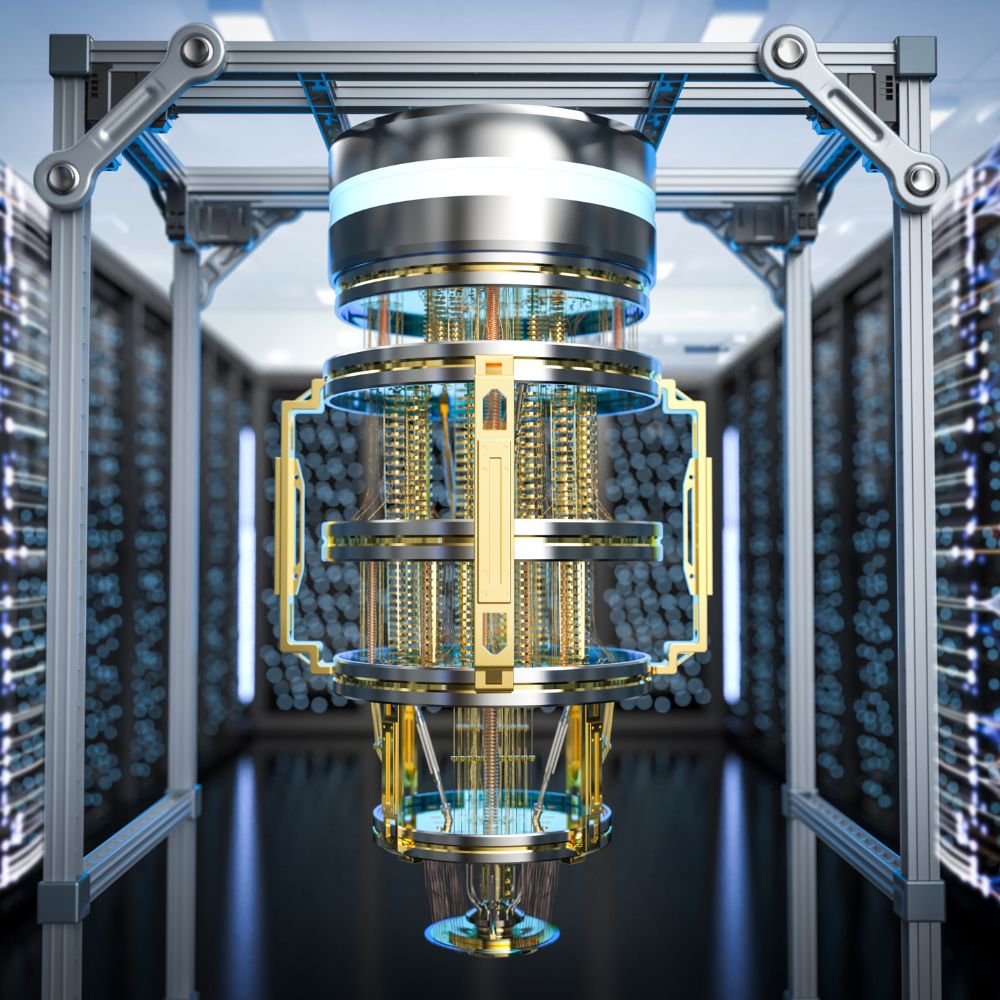
Qubits are easily disturbed by heat, movement and tiny bits of radiation, so quantum computers need extremely controlled conditions, often at very cold temperatures.
When quantum computers are best
Quantum computers are best for a small number of specialist problems where the number of possible answers explodes and a normal computer would take too long to check them one by one. They are especially useful for things like simulating molecules and materials, searching for very good solutions in huge sets of options such as routes and timetables and some advanced pattern-finding and cryptography research.
When normal computers are best
Normal computers are best for almost everything we do day to day because they are reliable, cheap and fast for everyday tasks. Things like writing documents, browsing the web, running apps, gaming and school systems work better on normal computers because bits stay fixed as 0 or 1 and the hardware is stable and practical.
A free computer science lesson you can use today
Here is Lesson 1 from my Quantum computing and emerging technology unit, ready for you to download and use straight away.
Lesson 1 overview: “Quantum, bits and qubits”
Learning objective: I can explain the difference between a bit and a qubit and describe one thing quantum computing is not.
What pupils need: something to write with.
Keywords
Qubit: a unit of information used in quantum computing and it can be described using probabilities until it is measured
Superposition: when a qubit is modelled as having a mix of possible states at the same time, useful for thinking about probability rather than certainty
Entanglement: when two qubits share a linked state so their results match in a way that is stronger than normal coincidence
Starter: spot the incorrect statement
In pairs, pupils decide which statement is not correct:
Computers store everything as patterns of bits.
A bit can only be 0 or 1.
A computer understands words the same way humans do.
Answer: the third statement is not correct.
Main teaching sequence
Explain bits and bytes with a quick recap of file sizes.
Introduce qubits using the probability dice analogy. If you want, you can also make simple “qubit dice” as a visual or you can just use the videos on their own.
Run a quick thumbs-up/thumbs-down quiz to check understanding.
Teach superposition and entanglement and do a matching activity to lock in the vocabulary.
Discuss why quantum computers are used and why they are not for everyday tasks.
Printable pupil task (copy and paste)
Write one paragraph that explains quantum computing. Your paragraph must include:
the words bit and byte and what they mean in a normal computer
the word qubit and how it is different from a bit
one sentence that starts “Quantum computers are not…”
one real-life example of what quantum computers might be used for
Quick marking checklist (1 mark each)
bit and byte explained correctly
qubit explained clearly and compared to a bit
“Quantum computers are not…” sentence is accurate
real-life example included with a brief explanation
Download the resources
Download a zip file containing the following editable files:
PowerPoint presentation
Lesson plan
Worksheet
Qubit dice template
Here’s how to teach it
Watch this video to see exactly how to teach this fascinating lesson in a way your pupils will genuinely enjoy.
Want the other lessons for this unit for free?
If this lesson saved you time or helped you feel more confident teaching quantum computing, you’ll love the rest of the unit.
I’ve created a complete 6-lesson Quantum computing and emerging technology unit designed for UK secondary computing teachers who want it clear, modern and genuinely teachable.
Get all 6 lessons free to introduce the following topics to your classes:
Quantum computing
AI vs machine learning
Cybernetics and feedback loops
Biotechnology and biodata
The future of emerging technology
Subscribe and I’ll send you all 6 lessons completely free.
You’ll get:
the full PowerPoint lessons
lesson plans
worksheets and activities
answers and marking guidance
videos to show you how to teach every lesson
Get all 6 quantum computing and emerging technology lessons for free

